If you run marketing, you already know the Monday morning routine: log into the ad account, then analytics, then the CRM, then stitch the story together by hand before you can tell anyone what actually happened last week. For a long time, that's just been the job.
Understanding the Model Context Protocol, or MCP, reframes that routine. Not because it's a shiny new tool to buy, but because it answers a question you've probably felt without quite naming it: why does every AI tool you try still feel disconnected from the actual data in your stack? There's a real, structural answer to that, and it's worth understanding whether or not anyone on your team touches a line of code, because it changes what AI agents for business actually look like in practice, including yours.
This isn't a pitch for a specific product, and it isn't a claim that any one company has built something with MCP. It's a plain look at a genuine shift in how AI connects to the tools you already use, and why it's worth getting ahead of now rather than in eighteen months, once it's already the default and everyone else has caught up.
What Is MCP (Model Context Protocol)? A Simple Definition
MCP is an open standard that lets AI systems connect directly to the tools and data your business already runs, rather than only answering from whatever a model happened to learn during training. Anthropic introduced it in late 2024, and it's since been adopted by OpenAI, Google, and Microsoft, along with a long list of tools you probably already use.
The simplest way to think about it: MCP gives AI a standard way to find and use the systems you already have, instead of every AI tool needing its own custom-built connection to every system it might touch. That's the whole idea. The value isn't in the acronym. It's in what becomes possible once your connected AI tools can actually see and act on your real data instead of guessing at it.
Why Marketing Teams Have a Data Context Problem Right Now
Here's a pattern you'll probably recognise. You ask an AI assistant about last month's ad performance and get a fluent, confident answer based on nothing current, because the AI has no actual connection to your ad account. You paste a spreadsheet into a chat window to get a summary, then do it again the following week, because nothing about that connection persists. Your support team tries an AI tool that drafts replies beautifully but can't see a customer's order history, so every draft still needs someone to fill in the detail that actually mattered.
None of that is a sign the underlying AI is weak. The real problem is structural. Your stack, like most marketing stacks, is a scattered mix of systems: CRM, ad platforms, analytics, a content tool, a couple of spreadsheets holding everything together out of habit. None of those systems were built to hand context to an AI model. Every connection between an AI tool and one of your systems has, until now, been a bespoke integration, built by hand and rebuilt for every new tool and every new system.
With a handful of AI tools and a dozen systems they might need to reach, you don't need a dozen integrations. You need the number of tools multiplied by the number of systems, because every pairing has its own login, its own quirks, its own way of quietly breaking. That's an expensive, fragile way to run anything, and it's a big part of why so much AI experimentation in marketing teams stalls out somewhere between an impressive demo and something that's actually part of the workflow.
How MCP Works: Tools, Resources, and Prompts Explained Simply
Once the problem is clear, MCP's answer is straightforward to follow. Think of it like the shift to a universal charging cable. Before that existed, every device needed its own lead. Once a shared standard existed, any compatible device could plug into any compatible port, and nobody had to think about it again. MCP does roughly that job for AI. Build one connection to a system, your CRM, your ad platform, your support desk, and any MCP-compatible AI tool can use it, rather than you being locked into whichever one assistant happened to have that specific integration built already.
Underneath that idea, MCP defines three things an AI can do once it's connected. It can call tools, which are actions: sending a message, creating a record, updating a field. It can read resources, which is the underlying data: files, records, reports. And it can follow prompts, pre-set templates for handling a specific kind of task well. Permissions run through all of it, so you decide exactly what an AI is allowed to see and touch, rather than granting blanket access and hoping for the best.
MCP vs. Traditional API Integrations: What's Actually Different
It's worth being precise here, because MCP doesn't replace your APIs, and it isn't competing with them. Your existing APIs still do the actual work of moving data and triggering actions. What's different is the layer on top: instead of every AI application needing its own bespoke integration with every API you run, MCP gives any AI application a consistent, standard way to discover and use the APIs that already exist.
Traditional API integrations are point-to-point. Build a connection between one AI tool and one system, and that connection only works for that pairing. Swap the AI tool, and you rebuild the integration from scratch. MCP turns that into a shared layer: build the connection once, and any MCP-compatible AI application can use it, which is a meaningfully different economics problem than the one you've likely been solving integration by integration for years.
How AI Agents for Business Are Moving Beyond Chatbots
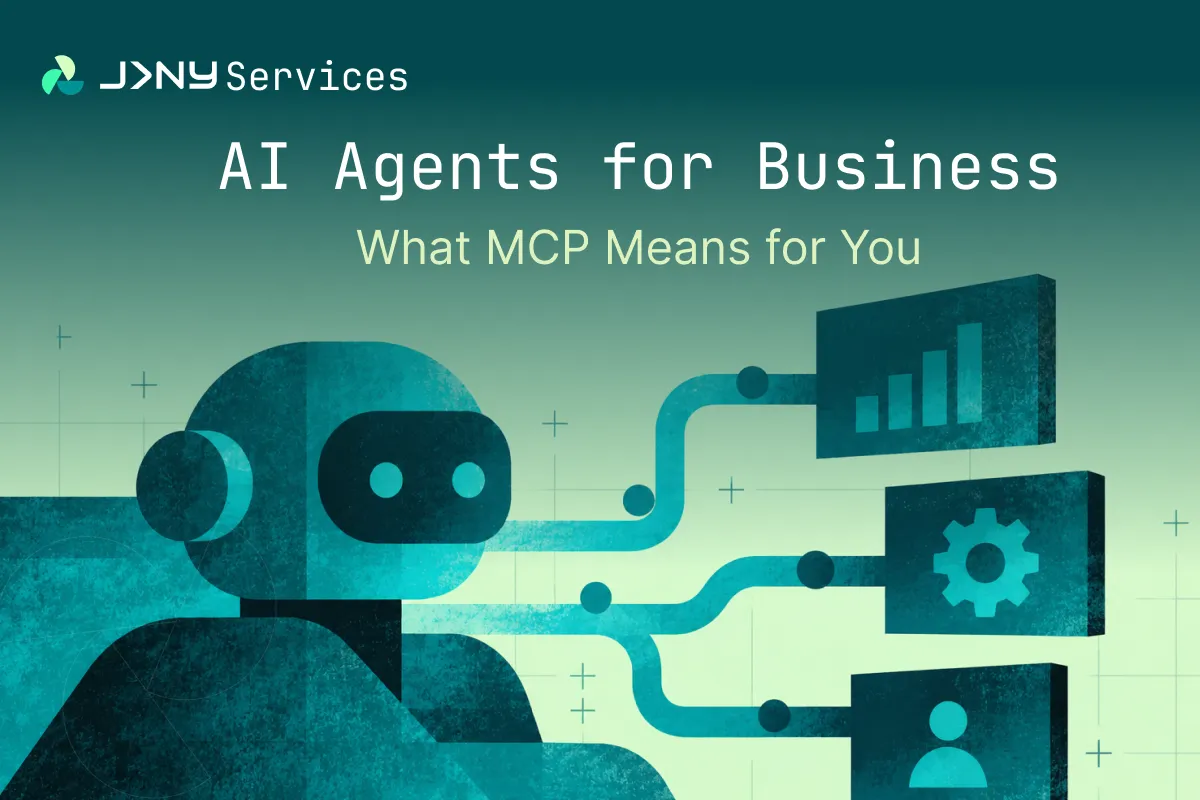
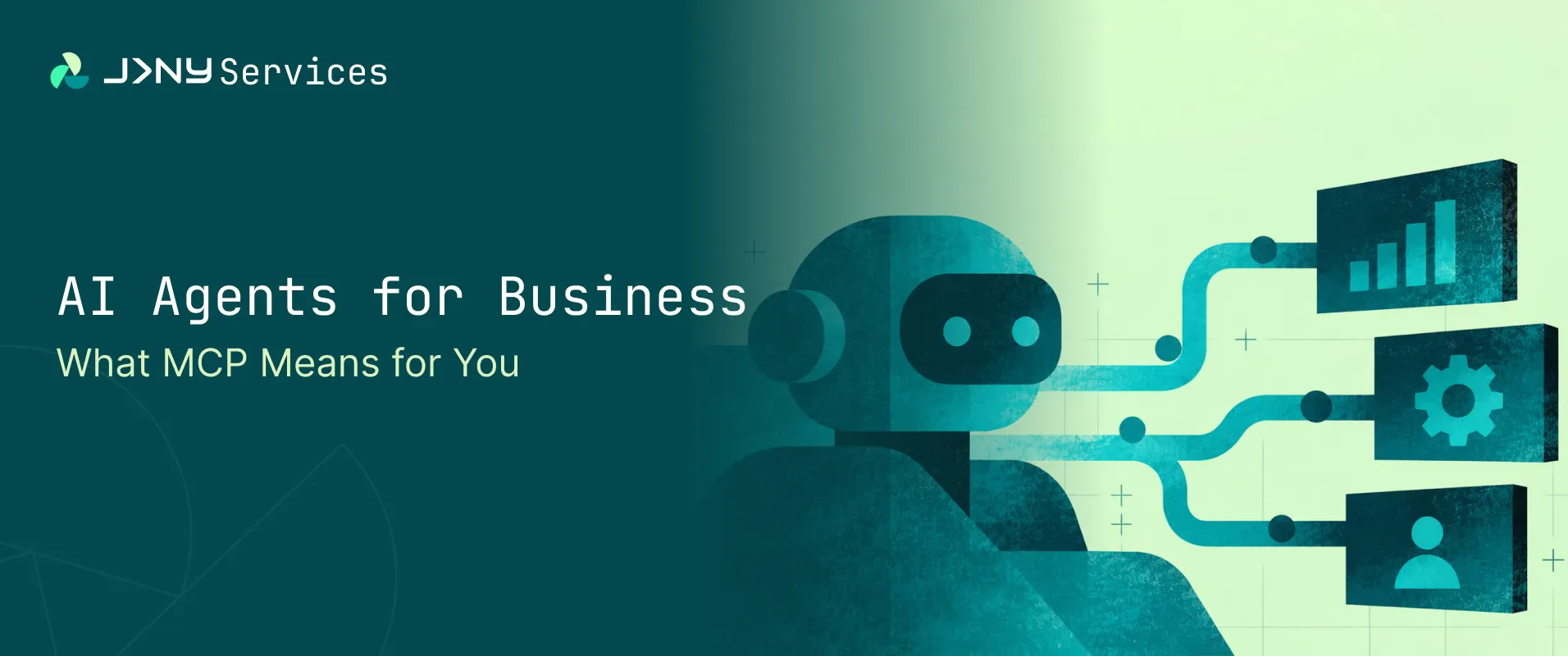
This is really the heart of why MCP matters for anyone running marketing. AI agents for business have, until recently, mostly meant a chat window: a place to ask a question and get an answer. That's useful, but it's a narrow use of what the underlying models can actually do. Once an AI model can reliably reach into the systems your business already uses, its role changes shape. It stops being a tool you visit to ask a question, and starts being something closer to a layer that sits across the systems you already run, aware of what's actually happening in them.
An AI assistant with no connections can tell you what a good ad strategy generally looks like. An AI agent connected through MCP to your actual ad account, CRM, and analytics can tell you what's happening in your accounts this week and where something's underperforming, because it has your real numbers, not a hypothetical. That's the practical difference between a chatbot and a genuinely connected AI agent for business.
What Can AI Actually Do Once It's Connected via MCP?
The shift applies to action, not just insight. Recent additions to how MCP works let a connected AI pause a task to check something with you mid-way through, run longer background jobs and report back once they're done, and even present an interactive interface inside a chat window rather than a wall of text.
In practice, that means an AI system doesn't just tell you a campaign needs a budget change. It can draft the change, show it to you inside the same conversation, and only apply it once you've said yes. That's the difference between an AI that advises and one that behaves more like a colleague with the right level of access, doing bounded pieces of real work rather than only describing what work should happen.
Real Business Use Cases for MCP
- Marketing reporting. A connected AI can pull live performance data from your ad platforms and analytics every morning, flag whichever campaigns are burning budget without results, and hand you a plain-language summary before you've opened your laptop.
- Campaign analysis. The same kind of connection lets an AI compare performance across platforms that don't naturally talk to each other, catching that a channel with low click-through is still driving disproportionate revenue, the kind of pattern that's easy to miss when every dashboard only shows its own slice.
- CRM workflows. A connected AI can triage a new lead the moment it lands, check it against existing records to avoid duplicates, draft a first follow-up message in the right tone, and hand it to a rep with context already attached.
- Operations. The same approach can watch for a recurring bottleneck that stalls at the same handoff between two teams and either flag it clearly or automate the routing step causing the delay.
- Customer support. A connected AI can see a customer's order history, previous tickets, and account status at once, and draft a reply that's accurate on the first attempt, instead of generic text someone then has to rewrite.
- Finance. It can flag mismatched line items automatically across two systems, with the source data already attached for someone to check.
- Internal knowledge. Anyone new to the team, or honestly anyone, can ask a plain question about process and get an answer pulled from what's actually current, not a PDF from two reorganisations ago.
None of this requires you to be an AI-first company. It requires the AI already in use to be properly connected to the systems that already exist, which is exactly the gap MCP is built to close.
Is MCP Secure? What You Need to Know About Permissions and Risk
This deserves real attention, not an afterthought. The more access an AI system has, the more deliberately that access needs to be designed, and recent security research on MCP specifically backs that up.
Microsoft's security research team recently documented a real attack pattern where a legitimate, previously-approved AI tool had its underlying instructions quietly altered after approval, causing it to pull far more financial data than the task in front of it required, without the tool's visible name or description ever appearing to change. Their guidance was direct: treat every connected tool as part of your supply chain, and treat a change to its instructions with the same scrutiny you'd give a change to someone's access rights, not as a routine software update.
That isn't a reason to avoid connected AI. It's a reason to scope access tightly to the job at hand, review it when it changes, and never default to "allow everything" because that's the easiest setting to leave switched on.
5 Things to Do Before Connecting AI to Your Systems
- Scope permissions tightly. Give an AI system exactly the access a specific task needs, nothing broader, and review that access whenever the tool itself changes.
- Fix data quality first. An AI reading from a messy CRM will confidently produce messy, confident conclusions. Connecting AI to a system doesn't fix bad data underneath it, it just means bad data gets acted on faster.
- Draw a clear human oversight line. Let AI draft, flag, and summarise on its own. Require a person to approve anything that changes a budget, sends an external communication, or touches a financial record.
- Plan for scale now, not later. IDC projects the number of active AI agents inside businesses will grow from around 28.6 million in 2025 to more than 2.2 billion by 2030, a figure cited in the same Microsoft research above. Oversight built for a handful of pilots won't hold at that scale.
- Treat this as an integration strategy, not a tool purchase. A clear AI integration strategy, which systems get connected, in what order, with what guardrails, matters more than which specific product gets adopted first.
How to Identify Which Workflows Are Worth Connecting First
Not every workflow deserves connecting on day one. The ones worth starting with tend to share three traits: they're well understood, they're repeated often, and they currently eat real time without requiring much judgement. Reporting, triage, and reconciliation are usually better starting points than anything involving nuanced external communication or decisions that are hard to reverse.
Trying to connect everything at once is how these efforts stall. Picking one workflow, proving it works end to end, and then expanding is a far more reliable pattern than attempting a sweeping AI integration strategy across every system simultaneously.
Why AI Agents for Business Are the Next Stage of AI Adoption
The direction of travel is fairly clear, even if the pace of change makes it easy to miss. A detailed breakdown of MCP's growth from WorkOS notes that the ecosystem went from a niche developer tool in late 2024 to roughly 97 million monthly SDK downloads by early 2026, with adoption from Anthropic, OpenAI, Google, and Microsoft, and close to two thousand ready-built connections to common business tools already sitting in a public registry. It's also since been handed to a vendor-neutral foundation under the Linux Foundation, which matters if you've been wondering whether this is one AI company's walled garden. It isn't. It's shared infrastructure, which is exactly the kind of thing worth building a habit around early.
That's exactly why AI agents for business are becoming the next real stage of AI adoption, rather than another incremental chatbot upgrade. The next phase isn't going to be decided by which assistant your team subscribes to. It's going to be decided by how well you've connected the intelligence you already have access to, to the systems where the actual work happens.
This isn't quite the same thing as buying another piece of software, and it isn't traditional business process automationeither, though it shares some of that DNA. It sits closer to a genuinely agentic approach to AI: systems that reason across several steps, decide which tool to use for a given part of a task, and carry context between them. Teams that get this right tend to treat it like an infrastructure decision rather than a software purchase, with proper attention to security and data quality, usually with support from people who've actually built AI-native systems rather than bolted AI onto an existing one after the fact.
Key Takeaway: AI Adoption Is Now About Connection, Not Just Conversation
The useful question has changed. It's no longer "which AI tool should we try next." It's "which of our existing systems and workflows are actually worth connecting, in what order, and with what guardrails." That's a more grounded question, and a more answerable one, and it's the one separating marketing teams that get durable value from AI from the ones still comparing chatbots a year from now.
Marketing sits on some of the most fragmented data in most businesses, spread across ad platforms, analytics, CRM, and content tools that were never designed to talk to each other. If your team gets ahead of this and starts identifying which of its own reporting and campaign workflows are worth connecting, you'll be working with a genuinely different level of visibility than the team still waiting on a static monthly report. That's less about a new piece of software and more about how a modern marketing team should be looking at its own systems from here.
If this has you thinking about where automation and AI actually fit across your broader operations, not just your marketing stack, that's the wider conversation covered on AI and automation done properly, scoped, secure, and connected to systems you already run rather than sitting apart from them. And if the bigger question on your mind is why so many businesses end up piecing this kind of capability together from five disconnected vendors instead of one team that actually understands how it all fits together, that's covered on why JRNY Services exists in the first place.
13. FAQs on AI Agents for Business
1. What is MCP in simple terms?
MCP, short for Model Context Protocol, is a shared standard that lets AI tools connect to your business systems, like a CRM, an ad platform, or a support desk, in a consistent way, rather than needing a custom-built connection for every single pairing of AI tool and system.
2. Is MCP the same as an AI chatbot?
No. A chatbot is the interface you talk to. MCP is the underlying connection that lets whatever AI sits behind that interface actually see and act on your real business data and tools, instead of only answering from general knowledge.
3. Do you need developers to use MCP-connected AI tools?
Setting up the underlying connections usually needs some technical input, particularly around permissions and security, but plenty of common business tools now ship with ready-built MCP connections already available, which lowers that barrier considerably compared to a fully custom integration.
4. Is it safe to connect AI to your sensitive business systems?
It can be, provided access is scoped tightly to what a task actually needs, changes to connected tools are reviewed rather than trusted automatically, and anything consequential, financial changes, external communication, requires a person to approve it before it happens.
5. Where should you start with this on your own team?
With one well-understood, repetitive workflow that's currently eating real time and doesn't involve high-stakes judgement calls. Reporting and basic CRM triage are the two most marketing teams should look at first, rather than trying to connect everything at once.