TL;DR
- Many OEM partners send the full vehicle file every time, with no API and nothing to say what changed.
- Delta detection compares each upload with the records you already hold and isolates new VINs and updated records, so people only check what changed.
- Validate before you export: check VIN format and length and required fields, and send failures to an attention file with an error code.
- Log every run, and generate the import file to your DMS supplier’s exact specification.
- For Carrivo, this removed around 90 percent of the manual time across more than 600 vehicle records.
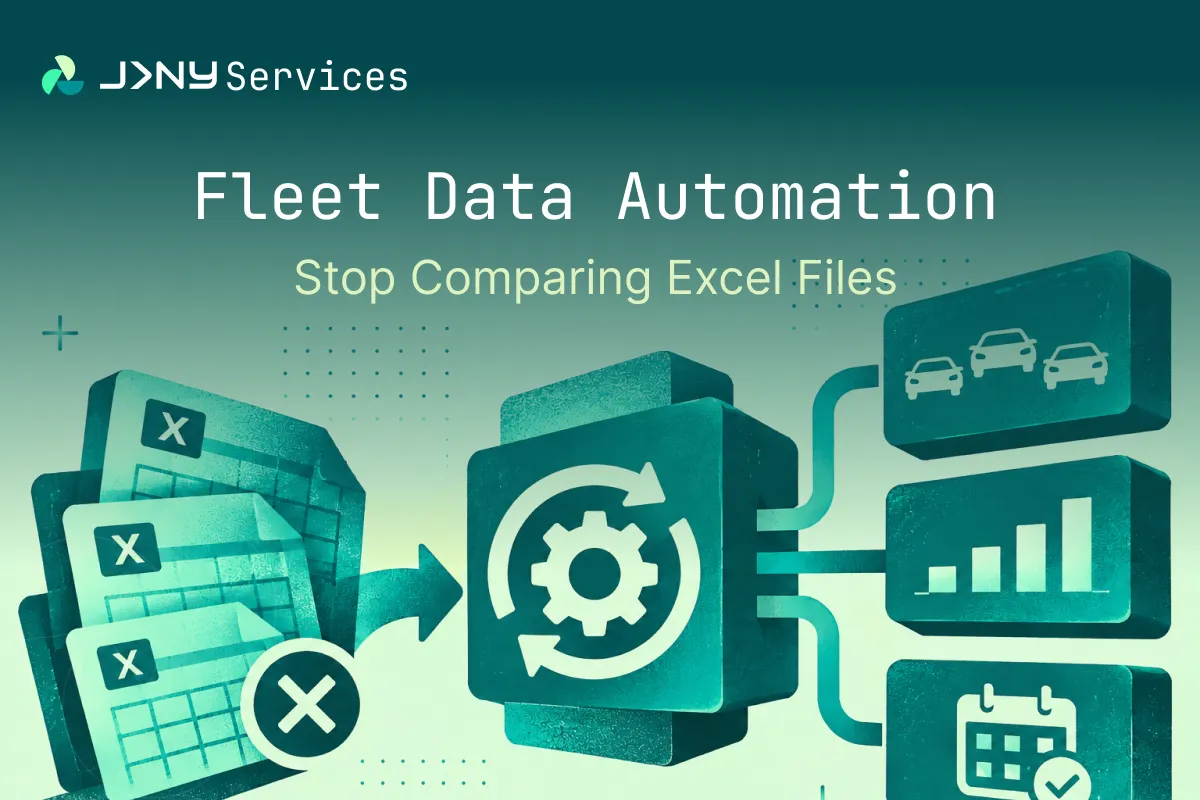
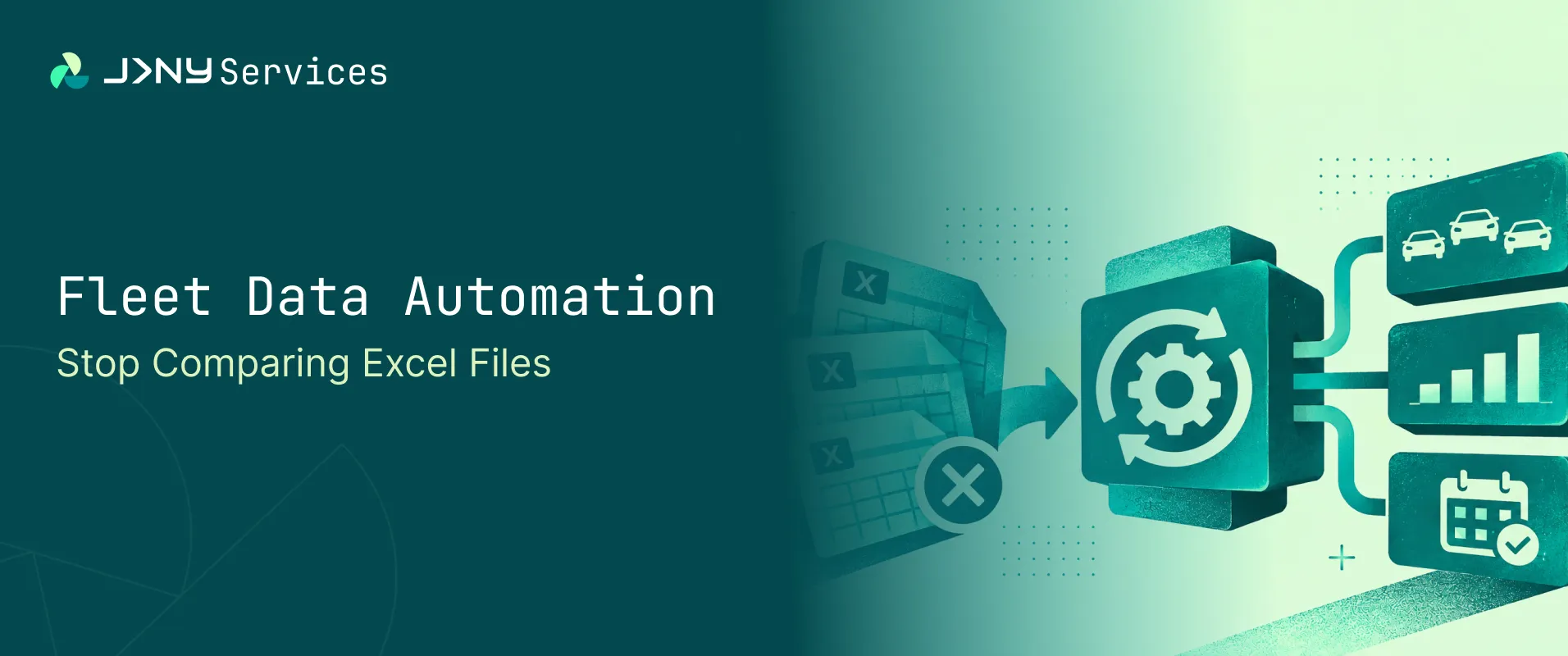
Fleet data automation means comparing each new OEM file with the last one automatically, checking every record, and producing a file your dealer management system can import. People deal only with the exceptions. Software does the comparison, the validation and the file building.
We built this for Carrivo, a car subscription brand in Germany, and it removed around 90 percent of the manual time across more than 600 vehicle records. The full account is in the fleet ingestion case study. The method, though, applies to any team that receives vehicle data as files.
This post is for operations heads at automotive, leasing and mobility businesses who receive fleet files from OEM partners with no API and reconcile them by hand. It explains why the work is so slow, how automated change detection works, what to check before you export, and when it makes sense to build the tool yourself.
Why Do Fleet Files With No API Create So Much Manual Work?
Plenty of OEMs, importers, lessors and suppliers still send vehicle data as a spreadsheet. There is no live connection, just a download. The file lands in an inbox or a shared drive in whatever format the sender chooses: Excel one month, a PDF the next, a ZIP of several spreadsheets after that.
Buy ten vehicles or update a few records, and you rarely get ten new rows. You get the whole file again, with nothing to say what is new, what has changed and what is the same. Your dealer management system (DMS), meanwhile, holds your data and accepts one format only. Someone has to work out what changed and reshape the data to fit.
If your business relies on a partner’s vehicle list, whether in car subscription, rental, leasing, fleet management, dealer groups or remarketing, this will sound familiar. It is worth asking the sender for three things: the same layout every time, a unique identifier on every row and, ideally, a note of what changed since the last file. Not every partner will agree, so you still need a way to take the data as it comes.
What Goes Wrong When You Compare Excel Files by Hand?
Comparing two spreadsheets sounds like an afternoon’s work. In practice, four things tend to go wrong.
The first is simple volume. Someone puts the new file beside the old one and works down the rows, looking for new vehicle identification numbers (VINs) and changed details. Once there are several hundred rows, things get missed, and a single missed row can mean a vehicle that never reaches the DMS. The second is the VIN itself. It is long, one wrong character makes it a different vehicle or no vehicle at all, and checking several hundred by eye invites mistakes.
The third is that layouts drift. Spreadsheets from partners are rarely as stable as they look. Column order changes, VINs arrive partial, and two entries turn out to be near duplicates with a slight difference in spelling or spacing. A manual process copes only because someone remembers the quirks. The fourth is the lack of history. If the comparison was done in a spreadsheet and the result pasted somewhere else, nothing records what was checked or when. Ask in three months why a vehicle is missing, and nobody can tell you.
How Does Delta Detection Find Only What Changed?
Delta detection compares a new file with the records you already hold and isolates what is different. Delta simply means change.
The comparison does not need the sender to flag anything. Each upload is checked against the previous uploads held in a database. That isolates new VINs and updated records and leaves everything else alone, so the team only looks at what needs attention.
Before you build, settle the rules for what counts as a change. Which fields matter? If only a note column changed, is that an update? What should happen to a vehicle that was in the last file and has vanished from this one? Settle these on paper first, because they are much harder to discover in a live run.
The VIN is the natural way to tell one vehicle from another, so it is the usual matching key. Where files lack a VIN, a registration number or a contract reference can do the same job, as long as it is unique and present in every row. That works well until the data is messy. A partial VIN has no clear match, and near-duplicate entries can look like two vehicles when they are one. The answer is a set of fallback rules: if the first way of matching fails, the engine tries another. Handling these cases is much of the work, and it is why a simple lookup is rarely enough.
A tidy sample file hides the partial VINs, the odd column order and the near duplicates that live files contain. Test several real files from the past, including the awkward ones, before you trust the result. This was the hardest part of the Carrivo build. The partner’s Excel format was not always consistent between updates, and the comparison engine needed multiple fallback mechanisms and extensive testing against real production data before it could be trusted.
Why Should You Validate Before You Export, Not After a Failed Import?
A failed import rejects the whole file without saying which of several hundred rows is to blame. Validation finds the problems before that point.
Two checks are the place to start. The first is format and length: every VIN should follow the structure of a real VIN, which is set out in the international standard ISO 3779. The second is completeness: every field your DMS requires should be present. Many teams add further rules over time, such as checks for duplicates, sensible dates and values from an agreed list.
Records that fail validation should not be thrown away. A good design moves them into a separate attention file, each with an error code giving the reason it failed. The clean records go through, and the team fixes the exceptions at its own pace. Compare that with the usual alternative: an import fails on bad data, someone searches the file for the problem, fixes what they find, and the same issue comes back on the next run. An error code on each record turns that search into a short list.
What Should You Log for Every Run?
Software that does the work quietly is only trustworthy if you can see what it did. Every run should log the total rows processed, the valid rows, the new VINs, the updated VINs and the records that need attention, with reasons. The team should be able to drill into the detail of any run.
A logged run can be explained, repeated and checked. The operations head can see why a vehicle is missing, finance can see what was imported and when, and anyone reviewing the process later can see that it followed the same rules every time.
How Do You Produce a File the DMS Can Import First Time?
The last step looks dull but is easy to get wrong. The output has to match what the DMS expects: column names, order, delimiters and formats all have to line up, and a file that is nearly right is still rejected.
Treat the DMS specification as the contract the output must meet. Get it from the DMS supplier in writing, agree any open questions before you build, and run test imports with real data before anything goes live. It is far cheaper to find a mismatch in testing than in a live import.
The upstream work of comparing, validating and logging does not depend on which DMS you use. In principle, only the output step changes. Ask any supplier whether it has built an export for your specific system, rather than assuming it can.
What Did the Carrivo Build Achieve?
Carrivo’s primary OEM partner keeps a master Excel file of more than 600 vehicle records and sent the complete file again each time vehicles were bought or updated. Operations compared it row by row against the previous version, then built the DMS import file by hand to an exact specification.
The build removed around 90 percent of the manual time across more than 600 vehicle records. Runs that used to take significant manual effort now complete in seconds. Data accuracy improved through automated VIN validation, and every run is tracked, with downloadable audit records. Three file formats are supported through one interface, and high volumes are handled without adding headcount.
Results depend on how consistent the partner files are. The Carrivo build was developed and tested against one OEM’s files, so another business should expect its own results to differ. The details are in the fleet ingestion case study.
Build or Buy: When Does Custom Software Make Sense?
Not every business needs custom software for this. There are three realistic routes, and the first two suit some teams well.
Power Query in Excel can take you a long way if your files are stable and your volumes modest. An off-the-shelf integration tool suits standard connections between popular systems. Custom software earns its place when the files are unusual, the edge cases matter, you need an audit trail, or the output has to match a DMS specification exactly.
You are probably ready to automate when the same files arrive on a regular pattern, comparing them takes real hours each time, mistakes have already caused a problem, and one person owns the process and can say what a correct result looks like.
Whether you approach an automotive software development company or a general software house, ask the same seven questions.
- How will you test it on our real files?
- How does it handle a change of layout?
- What does the audit trail show?
- Who owns the code?
- Where is the data processed?
- How are changes priced?
- Who maintains it afterwards?
For the wider picture, see how a business process automation partner approaches this kind of work. Our software development service covers how we approach this kind of build.
How Did JRNY Build It, and What Would We Do Differently?
The Carrivo module sits inside the Carrivo Fleet Ingest Platform, which we built as part of our automotive software development work. A React and TypeScript dashboard gives the team one drag-and-drop screen for Excel, PDF and ZIP uploads. n8n Cloud Pro handles workflow orchestration and API integration. BigQuery on Google Cloud stores records and supports the comparison. Processing runs on Google Cloud in Frankfurt, for EU data residency, and access is password protected.
BigQuery served the project well, but we would choose differently next time. A transactional database such as PostgreSQL is the better long-term choice for an application-driven system like this one, because BigQuery’s streaming buffer limitations complicated the comparison logic. If you are choosing a database for a similar tool, weigh that early. The BigQuery documentation on data manipulation is a good starting point. Future versions will add more advanced anomaly detection, along with real-time monitoring and alerts.
The same platform also holds a second build for the same client. Read about the invoice automation for the same client, or see the wider guide to AI invoice processing. You can also browse our other case studies. If you have files like these, book a consultation with our software development team.
FAQs
1. What is delta detection?
It compares a new file with the previous ones and isolates only what is new or changed, so nobody has to hold two spreadsheets side by side. In the Carrivo build, it finds new VINs and updated records on every upload.
2. Do we need an API from the OEM?
No. Automation can work on the files your partner already sends. In the Carrivo build, Excel, PDF and ZIP uploads all go through one interface, so the sender does not need to change anything.
3. What if the OEM changes the spreadsheet layout?
Layouts do drift. Any build needs fallback rules for unexpected column order and partial VINs. In the Carrivo build, the comparison engine was tested against real files for this reason. Plan for change from the start.
4. What happens to records that fail validation?
In a well-designed system, they are flagged and sent to a separate attention file with an error code for each record. The main import is not held up, and the team resolves the exceptions separately.
5. Does automation mean fewer staff?
Not necessarily. In the Carrivo build, high volumes were handled without adding headcount, and the team’s time moved from comparing rows to resolving exceptions. That is work which needs people who know the data.