TL;DR
- AI invoice processing reads supplier invoices, including scans, extracts the fields, checks them against your rules and builds a file your accounting system can import.
- OCR turns a page into text. AI extraction understands which number is which, even on a layout it has never seen.
- A good pipeline has five stages: upload, extract, map, review and export. Anything uncertain goes to a person before it reaches your ledger.
- For Carrivo, a car subscription brand in Germany, this removed around 85 percent of the manual time and eliminated DATEV import errors.
- Clean up your supplier list and chart of accounts first, record a baseline, and start with a pilot on one group of suppliers.
AI invoice processing reads supplier invoices, including scanned ones, extracts the fields that matter, checks them against your rules and exports a file your accounting system can import. For DATEV users, that file is an EXTF Buchungsstapel CSV. The software does the reading and the file building. A person reviews anything doubtful.
We built this for Carrivo, a car subscription brand in Germany, and it removed around 85 percent of the manual time from invoice processing. The full account is in the DATEV invoice automation case study. Most of this post, though, is about the method rather than the project, because the same approach works for any finance team in a similar position.
If you run finance or operations at an automotive or mobility business, you probably know the situation already. Invoices arrive from several suppliers, in several layouts, and somebody has to turn them into clean accounting data before the month ends. Below, we cover how the process works, what an accounting export demands, where a person still has to look, how to judge whether it is worth doing, and what to ask before you commission anything.
What Is AI Invoice Processing, and How Does It Differ From OCR?
Most finance teams have already met OCR in some form, so it helps to start there.
OCR reads the characters. AI extraction reads layout and context.
OCR, or optical character recognition, turns the image of a page into text. It is a real improvement on retyping, but the output is only a block of characters. OCR does not know that one number is the gross amount and another is the invoice number, and it certainly does not know that the third line down is the VAT.
AI extraction works it out from position and surroundings. It can find the supplier name, the invoice date and the tax line on a layout it has never seen before. With a handful of suppliers, that saves some effort. With many suppliers, each formatting invoices their own way, it saves you building a new template every time somebody changes their PDF.
You will see this area described in several ways: invoice automation, invoice data extraction, accounts payable automation. The labels overlap. What matters is whether the system can cope with a supplier it has not met.
Where it fits in the accounts payable cycle
Every accounts payable process follows roughly the same path, whatever software sits underneath it. AI invoice processing helps most at the front of that path.
It does not replace DATEV, your ERP or your approval rules. It prepares clean, structured data for them, so nothing in your ledger has to change. What changes is how the data arrives.
What the AI does and what people still do
The software takes the repetitive reading and mapping. People keep the judgement calls.
Why Are Invoices From Several Suppliers So Hard to Process by Hand?
Nobody finds one invoice difficult. The trouble starts when there are hundreds a month, from many suppliers, and each one is slightly different.
No two suppliers format an invoice the same way
The amount you need might sit top right on one invoice, bottom left on the next and inside a table on a third. Someone has to open each one and hunt for the supplier name, the amounts, the account codes and the invoice number. The work is repetitive, and mistakes creep in once a person is a few dozen invoices into a batch.
Scans and images contain no text to copy
Plenty of invoices still arrive as scans, photos or flattened PDFs. You cannot select, copy or search them. A person has to read the page by eye and type the values in, which is the slowest version of the job.
The detail is harder than the total
Reading the total is easy. Reading the lines is where it gets awkward. An invoice may carry several VAT rates, a discount, a credit note against an earlier invoice, a partial delivery or a foreign currency. Each of those changes how the entry should be booked.
A strict import format means one small error can break the whole file
Most accounting systems accept imports only in an exact layout. A single formatting slip can stop the entire import, and then someone has to find the slip by hand in a file with many rows.
Writing the file is the easy part. The difficulty lies in pulling reliable data out of documents that were never designed for a machine to read.
Carrivo, a car subscription brand in Germany backed by a major vehicle importer and automotive group, was a clear example. Its invoices arrive from several OEMs, each in its own PDF structure, and some are scanned images with no machine-readable text. Before the build, a person read every one of them before the accounts team could produce a DATEV import file.
From Scanned PDF to DATEV Export: The Five-Stage Pipeline
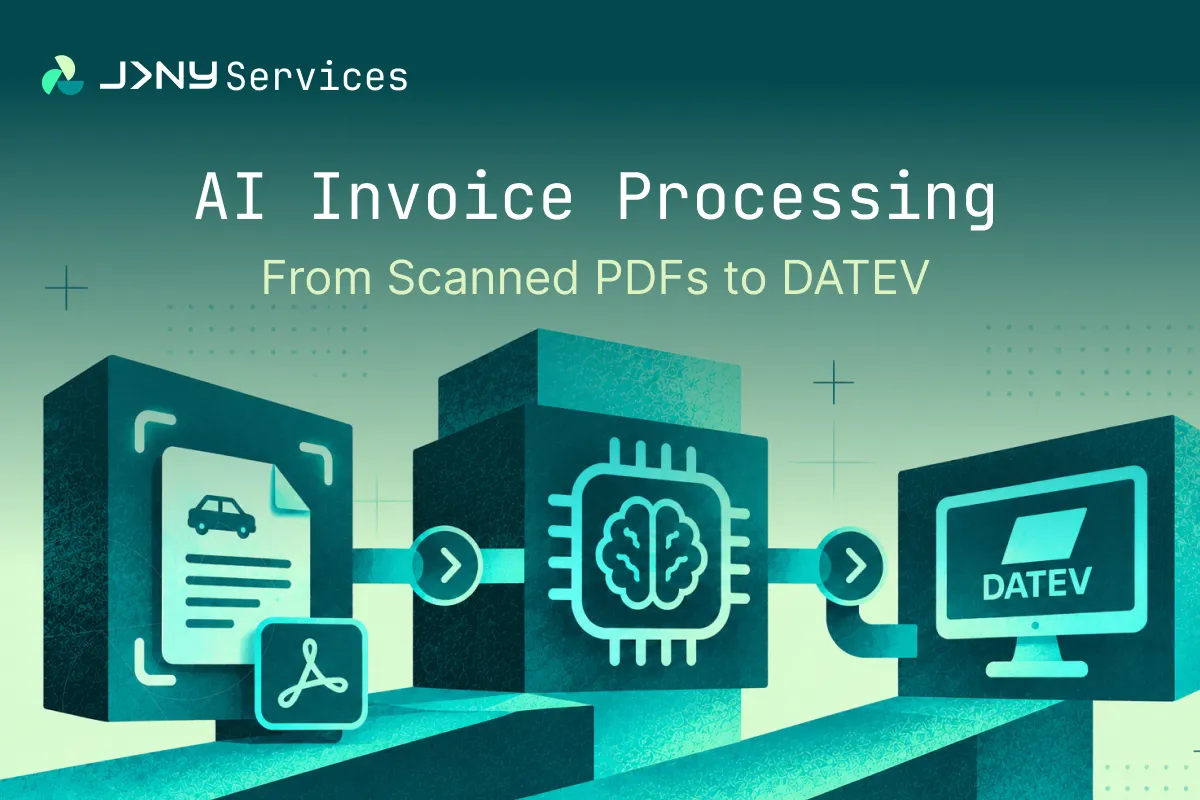
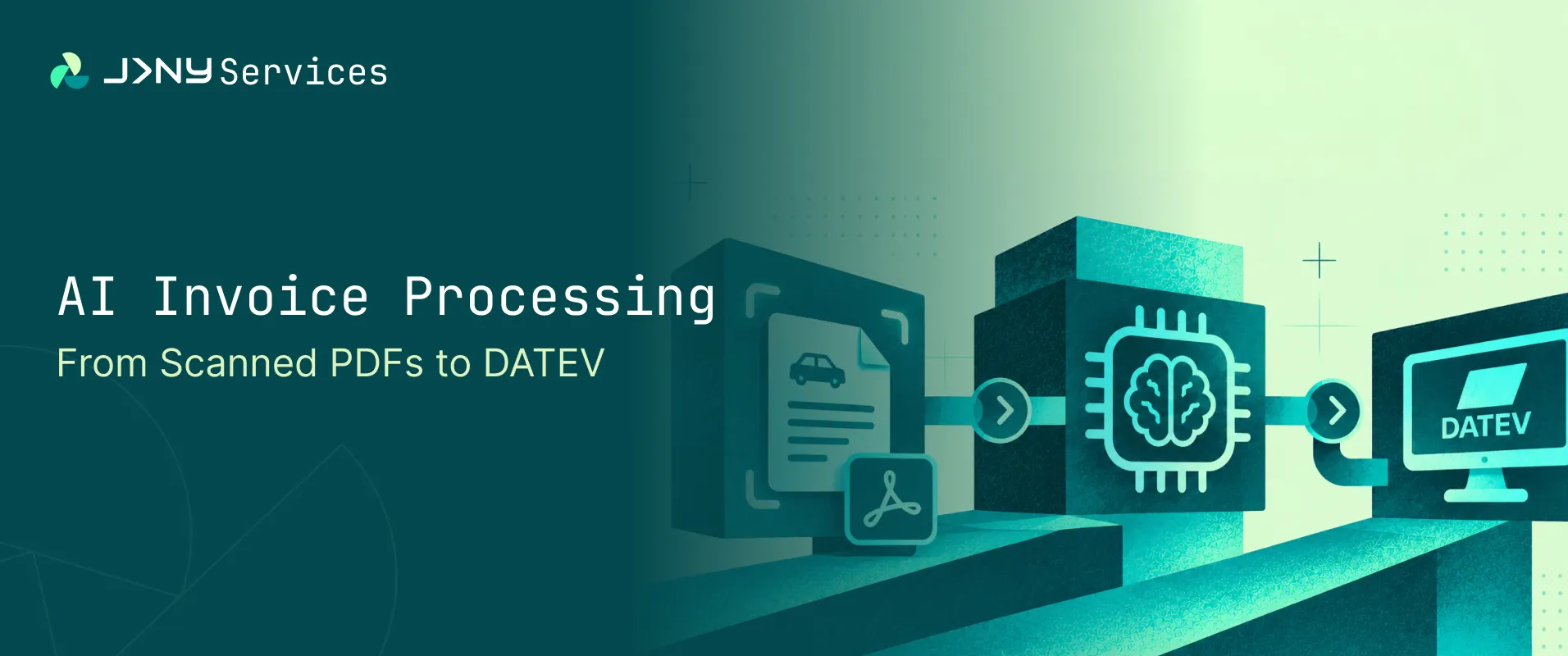
A well-built pipeline has five stages: upload, extract, map, review and export. Readable PDFs are parsed directly. Scanned pages fall back to OCR. When a field is uncertain, the pipeline sends it to a person before anything reaches the accounting system. The Carrivo module follows exactly this pattern, so we use it as the example below.
The last two columns are general recommendations for any team. They are not a list of Carrivo features.
Upload
Invoices go in as single PDFs, batches or ZIP archives. With one place for every file, nobody has to pull invoices out of a mailbox or a shared folder by hand.
Extract
Readable PDFs are parsed directly. When a page turns out to be a scan, the pipeline falls back to OCR (Carrivo uses Google Cloud Vision) and carries on. The team only sees the result, whichever route a page takes.
Map
An AI agent maps the extracted fields onto the accounting structure, and it needs no set-up for each individual supplier. So a new supplier can be added without extra configuration work. A supplier list, which Carrivo calls a Vendor Map, keeps recurring supplier details to hand.
Review
Confident runs go to export automatically. Uncertain fields appear on a review screen where a person can correct them inline and carry on. The system asks a person instead of guessing.
Export
The pipeline generates the import file, ready to load. For Carrivo, that is a DATEV EXTF v7.0 file. If the earlier stages have done their job, this one is uneventful.
What Does an Accounting Export Demand?
Every accounting system has an import format, and each is exacting in its own way. Getting the data right matters as much as getting the shape of the file right.
What every accounting system needs
Whatever software you use, an invoice has to be turned into the same handful of things before it can be booked. The names change from system to system. The ideas do not.
If your chart of accounts is untidy, or your supplier list has duplicates, the automation will reproduce that untidiness faster. Clearing it up first is one of the best things you can do.
The DATEV EXTF Buchungsstapel file
DATEV is German accounting software, and its import format is a good example of how exacting this can be. The Carrivo export follows DATEV EXTF v7.0, with 124 columns, semicolon delimited. Every column has a defined meaning, and the file has to follow the specification exactly. Anything that deviates will fail on import, and a failed import is a poor way to find out that one value was in the wrong place. Check the current specification on the DATEV developer portal before you build anything.
DATEV field mapping
The table below is an example. A real mapping depends on your own chart of accounts and on the posting keys your tax adviser agrees with you.
Test before go-live
In the Carrivo build, the mapping was validated against live imports, and import errors were eliminated. Do the same on your side. Agree the posting keys and accounts with your tax adviser, then run a test import with a small batch before you switch anything over.
Not on DATEV?
The pipeline looks the same on other systems. Only the export step changes. If you are in the UK, you may be thinking of Xero, Sage or QuickBooks. Each has its own import route, so ask any supplier whether it has built that specific connection before, rather than assuming it can.
How Does a System Handle Invoices It Is Not Sure About?
In our view, how a pipeline handles doubt is the most important design decision in the whole build. A system that guesses is more dangerous than one that asks.
Confident runs export automatically
When the software is confident in every field, the run goes through without anyone touching it. If any field is uncertain, it goes to a review screen where a person can correct the value inline before the export is built.
Flag a doubtful field instead of guessing
A wrong value in an accounting system costs far more than a short review. It can mean a misposted cost, a wrong VAT figure or a payment going somewhere it should not, and the error may not surface until month end. A flagged field costs a minute of someone’s time.
Controls any team should add
These are recommendations for any invoice automation. They are not Carrivo features.
- Duplicate detection. Catch the same invoice arriving twice, whether it came by email and again by upload, or from two different people.
- Four-eyes approval. Require a second person for high-value items.
- A check on supplier bank details. Flag any invoice where the bank account differs from the one on record, because a changed bank account can signal fraud.
- Order matching. Where you raise purchase orders, compare the invoice with the order and the delivery, and flag differences before anything is paid.
- Approval limits. Set who can approve what, and keep those limits in the workflow rather than in people’s heads.
- An audit trail. Keep a record of what was extracted, what a person changed and who approved it.
What to measure on your own invoices
Take a sample of your own invoices and track four numbers: the share processed without review, the exception rate, field-level accuracy and time per invoice. Record them before you start, so you have something to compare against, and set your own targets from there. We would be cautious about any benchmark from another business, because results depend heavily on scan quality and supplier mix, and yours will not match theirs.
What Did the Carrivo Build Achieve?
The Carrivo build removed around 85 percent of the manual time from invoice processing.
Individual invoices are now processed in seconds rather than minutes of manual reading. Most invoices run automatically, with only uncertain cases flagged for review. The accounts team moved from reading invoices and building files to reviewing and approving them.
Every export keeps to the EXTF v7.0 format, and the full mapping was validated against live DATEV imports. Results depend on scan quality and supplier mix, so another business should expect its own figures to differ. The details are in the DATEV invoice automation case study.
How Do You Work Out Whether AI Invoice Processing Is Worth It?
Start with what the current process costs, because most teams have never added it up. The sums are simple. The hard part is gathering honest inputs.
Multiply invoices by minutes, divide by 60, then multiply by the hourly cost. That gives you the current monthly cost of capture and coding alone. Add the cost of correcting mistakes.
Set that against the other side: the time still needed to review flagged invoices, the set-up and maintenance of the system, and any subscription or usage fees. A fair comparison uses your own volumes and your own mix of suppliers, not a figure from a brochure.
Also look at what the sums leave out. Faster month-end closes, fewer supplier queries and a team that spends its time checking numbers instead of typing them are real benefits. They are harder to price, so list them separately rather than forcing a number onto them.
What Are the Most Common Mistakes When Rolling It Out?
Most problems come from the surrounding process, not from the AI itself.
- Switching everything on at once. A broad launch makes it impossible to tell which supplier or document type is causing trouble. Start narrow.
- Skipping the clean-up. Duplicate suppliers, unused accounts and inconsistent tax codes all feed straight into the output. Tidy the reference data first.
- Treating flags as failures. A flagged invoice means the system is working as designed. A team that sees flags as a defect will be tempted to lower the threshold, which defeats the point.
- Not recording a baseline. Without a before figure, nobody can say whether it worked. Measure the current process first, even roughly.
- Leaving the process without an owner. Someone in finance has to own the rules, watch the flag rate and decide when to adjust. Without that person, quality drifts.
- Ignoring the suppliers. If a few suppliers cause most of the exceptions, a short conversation about how they send invoices can fix more than any configuration change.
What About Data Residency, Security and Record Keeping?
Invoices carry commercial information and sometimes personal data. Any supplier you speak to should be able to say, in plain terms, where that data goes.
EU data residency
Carrivo’s processing runs on Google Cloud in Frankfurt, which keeps it within EU data residency requirements. Whoever you talk to, ask three questions. Where is the data processed? Who can see it? Is client data ever used to train a model? Get the answers in writing, so they sit with your other supplier records.
Personal data on invoices
An invoice can hold personal data, such as the name of a sole trader. If you are in the UK and send invoice data abroad, read the ICO guidance on international transfers before you start.
Retention periods
Retention periods differ by country and by document type, so take advice from your tax adviser. If you have a UK entity, the rules on VAT record keeping are the place to begin.
How Does E-Invoicing Change What “From PDF” Means?
E-invoicing rules are tightening in both Germany and the UK, and they change what an incoming invoice looks like. The dates below are correct as of November 2026. Check them again before you rely on them, because this area is moving.
Germany
Businesses in Germany have had to be able to receive structured e-invoices, in formats such as XRechnung and ZUGFeRD, since 1 January 2025. The duty to issue them starts on 1 January 2027 for businesses with turnover above 800,000 euros, and on 1 January 2028 for all businesses. Check the exact threshold wording and any transitional rules in the Federal Ministry of Finance guidance.
UK
The UK has announced mandatory e-invoicing for B2B and B2G VAT invoices from 1 April 2029, using the Peppol network. That date is a policy commitment rather than law, and the technical detail was still being published at the time of writing.
What it means for your pipeline
Scanned PDFs will shrink over time, but do not expect them to vanish. Some suppliers will move to structured files quickly. Others, especially smaller ones, will keep sending scans for years. If you are unsure which of yours will move first, ask them. Many will share their plans, and it helps you judge how much of your volume will still arrive as scans. Build the pipeline to take both.
Should You Build, Buy or Partner for Invoice Automation?
It depends on how mixed your suppliers are and how much control you need. An off-the-shelf tool suits a narrow, standard set of invoices. A custom-built AI agent suits a mixed set with strict output rules, and DATEV is exactly that.
For many teams, the deciding factor is the output format. A tool that reads invoices well but exports a generic CSV still leaves someone reshaping the data for your accounting system. Before you sign anything, ask for an export built from your own invoices and run it through your own import.
Seven questions to ask a supplier
Whether you speak to an AI automation partner or an AI agent development company, the questions are the same.
- How will you test it on our own invoices?
- Who owns the workflow once it is built?
- What happens when the system has low confidence?
- Where is the data processed?
- How do you report accuracy?
- How are changes priced?
- Who maintains it afterwards?
Start with a pilot
Whichever route you choose, resist the urge to switch everything on at once. Pick one group of suppliers, run their invoices through the new process alongside the old one for a while, and compare the results line by line. That shows where the flags cluster and whether your mapping rules were clear enough. Widen it once the numbers look right.
For the wider picture, read how a good AI automation agency works. For the bigger context, see AI agents for business, or read how businesses are redesigning processes around AI.
How Does JRNY Build Invoice Automation?
We build invoice automation as part of our AI and automation service, as a working system that fits the way your finance team already works. The Carrivo stack shows what that looks like in practice.
n8n Cloud Pro handles orchestration and the AI agents. Google Cloud Vision provides the OCR fallback for scanned pages. BigQuery stores records and tracks each run, and a React and TypeScript dashboard gives the team one place to upload, review and export, in English or German.
We use AI where it takes real work off people’s desks, and keep people where judgement is needed. That is why every uncertain field goes to a person, and why nothing reaches the accounting system until it has been reviewed.
Read the DATEV invoice automation case study for the full build, or browse our other case studies. If you have a similar problem, book a consultation with the team.
FAQs
1. How accurate is AI invoice processing?
It depends on scan quality and supplier mix. Measure field-level accuracy on a sample of your own invoices before you commit, and be cautious of any supplier that quotes a single percentage without knowing your documents.
2. Can it read scanned invoices?
Yes. Scanned pages go through OCR first, and the software then extracts the fields as normal. Anything uncertain goes to a person for review before it reaches your accounting system.
3. Does it replace the accounts team?
No. In the Carrivo build, the team moved from reading invoices and building files to review and approval. The software removes repetitive work, and people keep the judgement.
4. What happens to invoices the AI is unsure about?
Uncertain fields are flagged and shown for manual review and inline editing. A person corrects them before anything reaches the accounting system, so a doubtful value is never posted by default.
5. Where is the data processed?
In the Carrivo build, on Google Cloud in Frankfurt, for EU data residency. Ask any supplier the same question, and ask whether your data is ever used to train a model.
6. Does it work with purchase order matching?
It can. The software extracts the order number, compares the invoice with the order and flags any difference for a person. The matching rules come from your own process, so agree them with your finance team before anything is built.