TL;DR
- Most firms use AI to do the same work slightly faster. The bigger gain is in redesigning the process itself.
- Speeding up a flawed workflow produces the same flaws faster.
- Process redesign means rebuilding a workflow backwards from the outcome you want, which usually removes steps rather than speeding them up.
- One of our clients went from two to three weeks of monthly billing admin to automated runs that charge a batch of customers in under two minutes.
- Buy off-the-shelf for commodity tasks. Consider custom software when the process is core to how you make money.
- Cost depends on complexity, data readiness, integrations, human approval, and what the manual process costs today.
- When choosing a partner, ask about your process first and tools second.
Most companies that say they use AI are still doing the same work as before, only quicker. One of our clients was losing two to three weeks a month to billing admin: spreadsheets, payment links sent one at a time, every payment reconciled by hand. AI could have drafted the emails faster, but the process around them would have stayed exactly as it was.
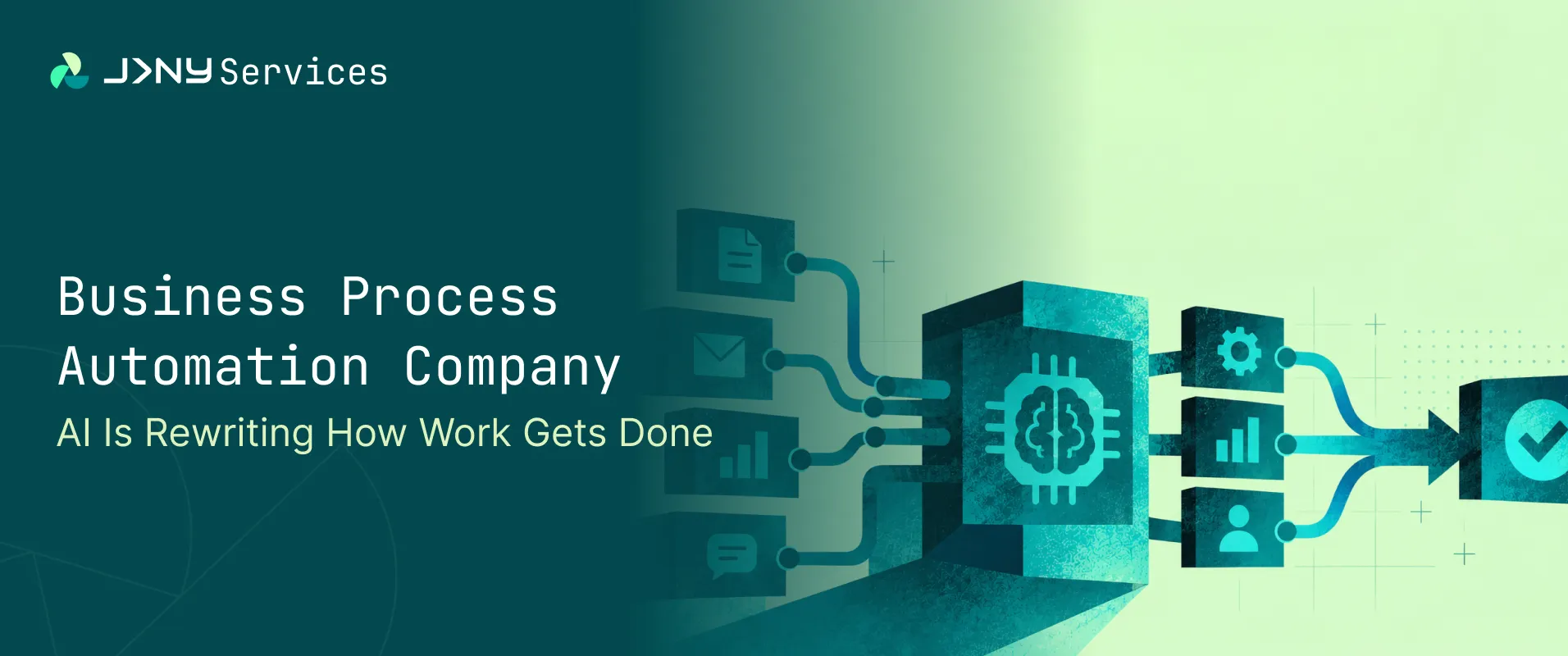
The real shift is redesigning how work happens, not speeding up the steps that are already there. It’s the starting point for any good business process automation company.
We’re also early. The UK government’s AI adoption research found about 16% of UK businesses using at least one AI technology, so adoption is far from universal. The firms that pull ahead will probably be the ones that rethought the work, rather than decorating it.
Below: the phases of AI use so far, real examples of processes being rewritten, build versus buy, what drives cost, and a seven-step process to start with.
How Did Businesses First Use AI? Writing, Summarising and Assisting
Phase one was AI as an assistant. Teams used chat tools to draft emails, summarise long documents, sketch first versions of reports, and dig through research nobody had time to read.
It was helpful and still is. A strategist reaches a first draft sooner. An analyst skims forty pages in five minutes. People reported real time savings, which is a big reason adoption spread so quickly.
What changed was the speed of individuals. Take a month-end at one of our clients: usage figures arrived, payment links went out one by one, and every payment was matched up by hand. An assistant could have drafted the reminder's emails in seconds, and the month would still have ended in the same scramble. Assistance sped up single tasks without questioning the workflow around them, which is why plenty of leaders feel they use AI all day and see little in the numbers.
None of that is a criticism. It’s where most teams started, and plenty are still there.
How Do AI Agents and Automation Now Take Part in Workflows?
AI now takes part in workflows, not just individual tasks. The difference is whether the AI hands something to a person or hands it onward into the process itself.
The invoice comes through by email. The assistant creates a polite reply. The agent reviews the invoice and matches it to the purchase order. They update the finance system and add to the queue to pay. Any discrepancies are highlighted. Only the exceptions are reviewed.
Agents also rarely work alone. In most real-world setups, the job is shared between agents, conventional automation, and custom software. Rules deal with predictable steps. Agents deal with messy inputs like free-text emails or scanned documents. Software keeps it together and records what happened.
Shared standards for connecting AI to business systems are a big reason this is now practical. We cover that in why MCP matters for businesses.
Why Does Automating a Bad Process Only Make It Faster?
Speeding up a flawed workflow produces the same flaws faster. It’s where many AI projects quietly go wrong.
Imagine the approval chain has five hand-offs. A purchase request goes to a team to lead, then to finance, then to a director, back to finance, then to procurement. Ask why, and you usually get that the old system could only route things one way, and somebody built a habit around the limit. Years ago, the system was replaced. The chain remained.
Every stage of this process is quicker with the AI included. However, the request is still going through 4 queues. It still has to be read twice and if someone is away, then it gets delayed. So, the company has paid to make something quicker that shouldn’t exist.
Chains like this build up in layers. A check goes in after a mistake, a sign-off after an audit, and a spreadsheet gets bolted on because the system couldn’t do something. Nobody removes anything, so after a few years the process is mostly a record of past problems.
So, what if the chain were redesigned instead, with software that can read, check and route on its own? Would those five steps survive?
What Does a Business Process Automation Company Do? Redesign, Not Retrofit
Process redesign is rebuilding a workflow backwards from the outcome you want, using what AI and software can now do, instead of inserting AI into the steps that already exist.
A retrofit takes the current workflow as a given and asks where AI could fit. Redesign asks what the workflow is for, then builds the shortest, reliable path to it.
In practice, the two look very different. For one of our clients, a retrofit would have meant faster spreadsheets and quicker payment links, with a person still reconciling every payment at the end. The redesign took those steps out altogether.
Onboarding runs on Google Sheets, email and WhatsApp. It was rebuilt around a single validated link, with payment taken inside the form and the card saved for future usage charges. The separate checkout step that used to come later simply disappeared, and that’s where much of the saving came from.
This is what a business process automation company is really paid for. The tooling matters, but the mapping, questioning and rethinking come first. Skip that stage, and you usually end up with a faster version of the same frustration, plus a more complicated bill.
Which Processes Are Rewritten? Invoice Processing, Onboarding, Lead Qualification and More
The processes changing first are repetitive, rules-heavy, and spread across several systems. Here’s how some common ones look before and after a redesign.
Reporting and lead qualification are good examples of where marketing and sales feel this first. If you’re curious how that plays out, have a look at what connected AI could mean for your marketing stack.
Generational, which tests EV battery health for the UK motor trade, is the client behind these examples, and its billing shows what “redesigned” looks like in practice. Each month, last month’s usage is sent to a webhook. A set of connected workflows then raises the invoice in Stripe, calculates VAT, updates Xero, charges the customer’s saved payment method and emails a per-test breakdown. Work that used to take two to three weeks of admin now runs in under two minutes for a batch of customers. The saving came from taking manual steps out. The full story is in the Generational case study.
None of these are exotic. Most firms run them daily, which is why savings are usually easy to measure.
Build vs Buy: When Does a Custom Software Development Company Make Commercial Sense?
For standard tasks, buying is usually enough. A custom software development company makes commercial sense when the process is central to how you make money, or when no off-the-shelf tool fits the way, you work.
Generic solutions will cover common activities such as meeting notes, generic writing, and basic scheduling. There will be nothing unique about the solution, meaning there is little benefit to paying for custom software.
There are three cases when it is worth considering custom software. The process is core to your service, so a generic tool would flatten what makes you different. Your data or integrations are not standard, and the standard connectors won’t reach them. Or usage is high enough that pricing per seat is higher than the cost of building something that you own.
Many firms end up with a mix. They buy for the commodity work and invest in custom software development for the two or three workflows that matter most.
How Much Does AI Automation Cost? What Actually Drives the Price
AI automation cost depends far more on the process than on the technology. Two projects that sound identical can differ several times over price, and these are the reasons.
- Increased complexity. By reducing the number of steps down to 5 you will save costs over 20 exceptions.
- Data preparation. This can be costly. If the data is not uniform or is scattered across multiple sources, then you could be spending large amounts of your budget just to get everything ready.
- Integrations. Integrating additional systems increases build and testing times.
- Human approval. Deciding what requires human approval also requires design. If you avoid this, you will incur much higher costs later.
Maintenance is the one people forget. Systems change, suppliers update their tools, and a live automation needs someone looking after it.
The sensible comparison is against what the current process costs you today. That client’s monthly billing, for instance, used to take two to three weeks of admin. That’s a recurring bill in staff time, and it’s the kind of baseline any redesign should be measured against. Add the hours spent, the errors fixed and the delays that annoy customers. Weeks of manual work have a price already; it just doesn’t appear on an invoice. We’d treat any quote that arrives without a conversation about your process with some caution.
What Does an AI Agent Development Company Actually Build?
An AI agent development company builds software that reads an input, makes a bounded decision, uses tools to act on it, and hands on anything unusual to a person.
The agent reads an email, form, document, or row of data. It decides within limits that people have set, such as “approve if under this amount and the supplier is known”. It acts by calling tools, like updating a CRM or raising a ticket. When something falls outside the limits, it stops and asks.
This is where a good solution differs from a risky one: controlling what can be done, who can do it and how to escalate.
The billing build for that client is workflow automation rather than an agent, but the same principle carries over. Amounts are recorded exactly as sent and never altered by the workflows. The same billing run can’t be processed twice. Invoices reach Xero before any payment is taken, and every attempt and outcome is logged. Define what the system may do, log everything, and keep the numbers out of its reach.
You’ll see the same pattern whether the work comes from a specialist, a software house, or an AI automation agency. The label matters less than whether the builder can explain, in plain terms, what the agent may do alone and what it may not.
How Does the Human Role Change? From Repetitive Execution to Oversight and Judgement
People move from doing repetitive work to overseeing it and handling what the system can’t. Their jobs get rewritten, not removed.
There will need to be someone monitoring the outputs to identify when automation does something strange. Exceptions will still need a knowledgeable person to handle them, such as the odd invoice or special customer. The time saved should be spent on making judgement calls that the software shouldn’t be made alone.
The same client shows a quieter version of this. When a payment fails, the customer gets an email with the reason and a Pay now button and can settle it themselves. Combined with automatic retries, many customers pay before anyone on the team picks up the phone. The team’s job shifts from chasing to watching: a simple back office shows every run, payment and onboarding submission, so they step in only where something needs a person.
Governance can be easily overlooked. You should know who can approve what at the outset. It makes sense to ensure areas such as spending, external communication, and anything involving customer funds are always approved by someone. As the system proves itself, you can start to reduce your governance processes.
What Should UK Businesses Do Now? A 7-Step Workflow Redesign Process
Start small. Here’s a seven-step process any operations, or finance team can run, long before choosing a tool. It also fits the direction of the UK AI Opportunities Action Plan, which pushes for wider, practical adoption across the economy.
- Map repetitive workflows. List the tasks that happen daily or weekly and involve several people or systems.
- Identify the data involved. Note where information starts, where it travels, and where it gets re-entered.
- Quantify cost and friction. Estimate hours spent, errors made, and delays caused for each workflow.
- Assess what can be automated. Separate rule-based steps from those that need judgement.
- Redesign the process. Rebuild it around the outcome, removing steps that only exist for historical reasons.
- Implement. Start with one workflow, with human approval built in.
- Measure. Compare time, errors and turnaround against the baseline from step three.
That project followed much of this order, in two phases: onboarding first, then billing. Starting at the front end meant every customer, site and saved payment method was captured cleanly before billing was automated on top of it.
Most firms learn more from steps one to three than from any tool demonstration. Do those well and the rest tend to fall into place.
How to Choose a Business Process Automation Company or AI Automation Partner
A good business process automation company will ask about your process before it talks about tools. Use this checklist when comparing an AI automation partner against others.
- Process thinking before tooling. Do they ask how work really happens, or jump to a product?
- Data and security handling. Where does your data go, who can see it and how is access controlled?
- Integration depth. Can they connect to the systems you already use, including older ones?
- Human oversight. Is there a clear approval step for important actions, and a log of what happened?
- Measurable outcomes. Will they agree with success measures at the start, such as hours saved or error rates?
- Clear ownership afterwards. Who maintains it once it’s live, and what happens if you change supplier?
Ask for evidence, too. Good outcomes can be stated plainly. With one of our clients, they were weeks of monthly billing admin replaced by automated runs, a batch of customers charged in under two minutes, and clean data enforced onboarding. The details are in the full case study.
Other examples of results we’ve delivered for clients show what a finished project looks like, and any partner you speak to should be able to show equivalents.
The Bigger Takeaway: The Advantage Goes to Companies That Redesign Their Work
Companies that revamp their processes to include AI will see the most benefits. Process redesign is rebuilding a workflow backwards from the outcome you want, using what AI and software can now do, instead of inserting AI into the steps that already exist.
If you’d like to see how that thinking applies to your own operations, our AI and automation page is a good place to start.
FAQs
1. What does a business process automation company do?
A business process automation company will look at your process and find any bottlenecks (handover, re-keying and approvals) and re-design your process. Sometimes they will refer to themselves as an AI automation agency. However, a good question to ask them is if they ask about your processes.
2. What is the difference between AI automation and traditional automation?
Automation is rule-based. It is great for working with structured data; however, can be tricky to work with unstructured data like scanned invoices. AI can deal with this. A good system will have a rule-based system for structured data, AI for unstructured data, and humans for exceptions.
3. How much does AI automation cost for a UK business?
The cost of AI automation will depend on how many steps there are in your process, how clean your data is, how many systems need to be integrated, and how much human approval you want. It will also depend on how much it costs for your business to carry out the process manually.
4. Should I build custom AI software or buy an off-the-shelf tool?
Off-the-shelf tools will be best for commodity processes like taking meeting notes or scheduling. If it is a core process that you make money from, or if you would have to alter your workflow to fit around the tool, then you might want to consider using a custom software development company.